/images/clemens.jpg

Hi! I'm Clemens Schotte,

Enthusiastic storyteller with a passion for technology

My solar energy and Tesla Powerwall 2 setup

Saving the planet a little bit while trying out new technology is fantastic, and in the end, it will save me also some money. When building my house last year, I invested in solar energy. The sun delivers me free electricity during the day, especially around noon, but I use it mainly at the end of the day and the beginning of the evening. Most of my solar energy goes to the public energy grid, and I need to repurchase it in the evening. This buying back makes no send to me. I like to use my own ‘free’ solar energy, so I need a way to store it. After some research, I selected the Tesla Powerwall 2 for my energy storage, not only for the best capacity, but my energy company (Eneco) had a good deal (2.500,- euro cashback). In the Netherlands, I can also get the tax back I paid for the solar and Tesla Powerwall 2 energy installation, an extra savings of 21%. The investment is still high, but after 5 or 6 years, it should be making money.

Calculate the availability and SLA for your Azure solution

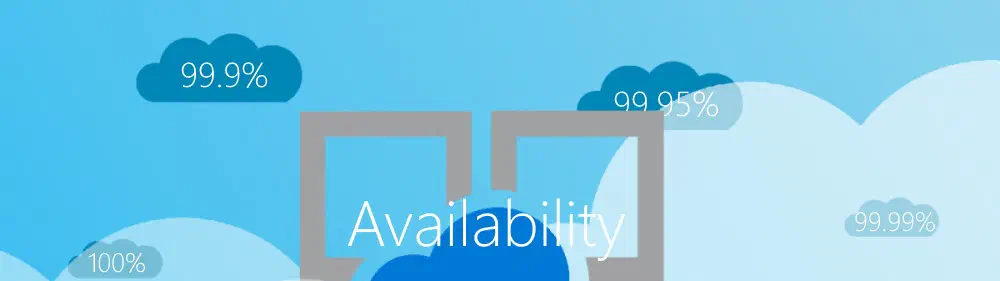
Microsoft provides for most Azure services an Service Level Agreements (SLA), where you can find the availability for that services. The availability has a rage from 99.9% to 100% or no range at all (for some free services).

“We guarantee that 99.95% of the time, the Azure … Service will successfully receive and respond to …”

The SLA describes Microsoft’s commitments for uptime and connectivity. It is also somewhat guaranteed, i.e., it is backed financially. It shows Microsoft will refund you when it fails the SLA, but it doesn’t back your business.

Using Visual Studio Code with PHP and Xdebug

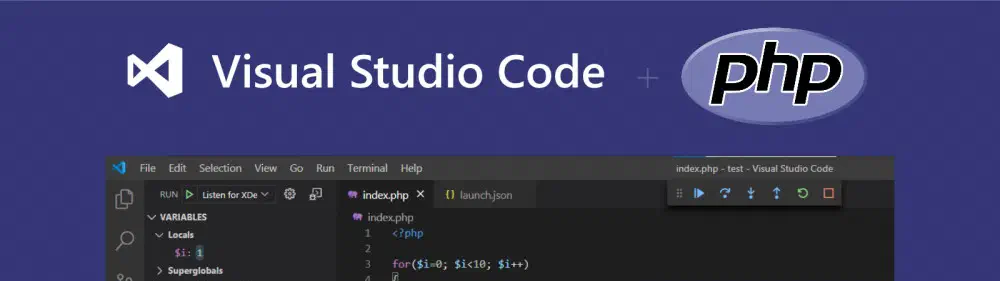
This post describes how to set up, run, and debug PHP code with Visual Studio Code running on Windows.

What do we need?

Compared to some other popular programming languages for the Web, PHP is missing some tools, so I created a shopping list to make the experience more complete.

Basically what we need is:

  • the PHP runtime itself,
  • a modern code editor with syntax highlighting,
  • a debugger connected to our code editor,
  • and a (development) webserver.

Runtime (PHP)

We start with the PHP runtime. The PHP runtime will pars en execute our .php files and outputs the HTML (or anything you want) back to you.

Generate PDF files with asp.net core on Azure

There are many libraries and services to generate PDF files for asp.net core web applications. There are excellent commercial solutions out there, but if you need a free solution, it gets harder. Some libraries are hard to use, or others are limited in functionality. I need a free, easy to use, and quick solution to generate PDF files on an Azure Web App.

Can a View retrun a PDF?

What I need is a View that returns a PDF and not HTML what it usually does. The beauty of using a standard View is that I can use my web and asp.net core knowledge to design the View. In this case, I need to generate invoices.

Protect the UniFi Cloud Key with a custom SSL certificate

When connecting to the UniFi Cloud Key Controller, you need to know the IP-address and port number (default 8443). In my situation, the IP-address is 192.168.1.64

/protect-the-unifi-cloud-key-with-a-custom-ssl-certificate/not_secure_url.png

If you do not know your Cloud Key IP-address, use the Ubiquiti Device Discovery Tool.

The connection is using https (that’s good), but there is no domain name, so the default SSL certificate triggers a security warning in your web browser because it can’t be verified. Also, the web browser will not remember your login credentials for the next login.